
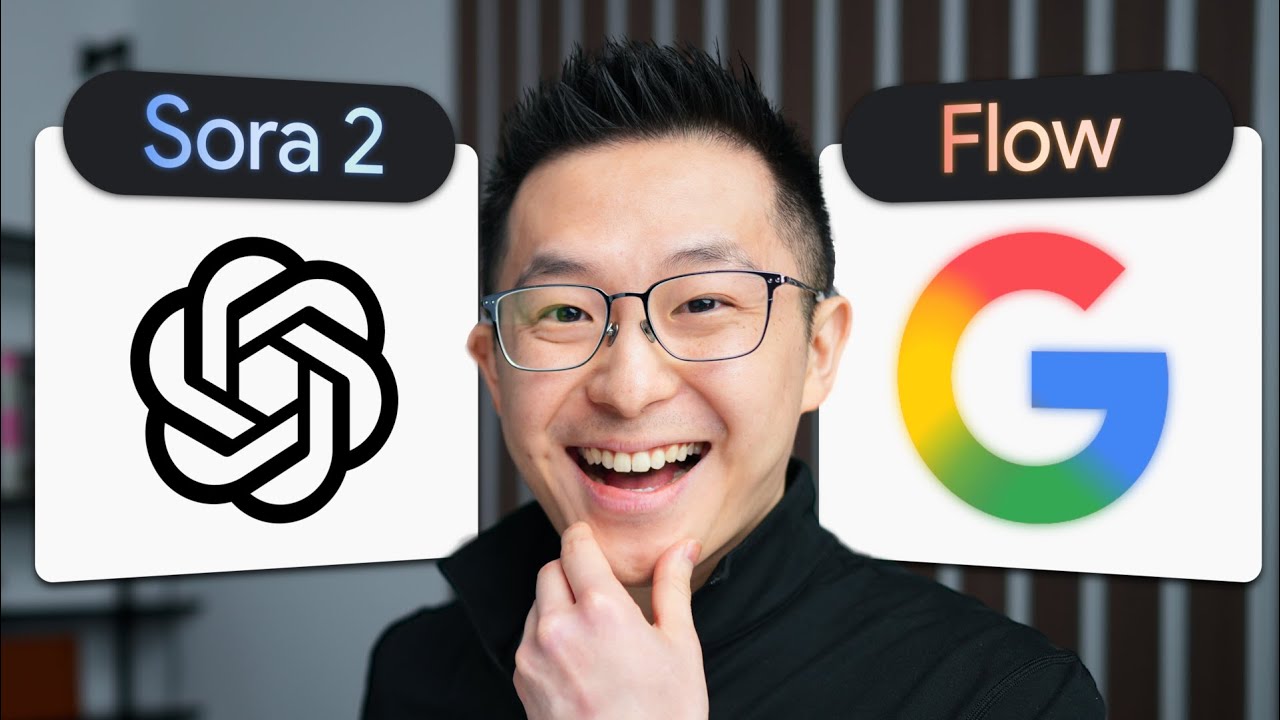
How to Create Cinematic AI Videos (No-BS Guide)
Flashcards, Quiz, Mind Map, Micro-Podcast, Notes & YouTube Subscriptions are Studio features.
$4.99/mo · cancel any time
Generating flashcards…
Flashcards aren't available for this video right now. This can happen with very long or non-English videos.
Tap to reveal answer
Test your understanding of this video.
Generating quiz…
Quiz isn't available for this video right now. Try a shorter video or retry in a moment.
Building mind map…
Mind map isn't available for this video right now. Try a shorter video or retry in a moment.
Overview
This video provides a practical, no-BS guide to creating cinematic AI videos by addressing the primary challenge: consistency. While current AI video generation tools are powerful, they struggle to maintain character and scene continuity across multiple generated clips. The video's core argument is that by employing a specific four-step workflow, creators can overcome this limitation and achieve a higher level of polish and storytelling in their AI-generated videos. The most important insight is that consistency is achievable through a deliberate process, rather than relying solely on the raw capabilities of video generation models. This matters because it unlocks the potential for more coherent and engaging AI-driven video content, moving beyond short, isolated clips.
Key Takeaways
- → The biggest roadblock in current AI video generation is achieving consistency across scenes and between characters. Unlike text models that can recall context, video models often generate entirely new representations each time, leading to disjointed narratives. [0:00]
- → While flashy AI video demos exist, they often excel at showcasing short, impactful clips but fail to demonstrate true narrative continuity, which is crucial for longer-form content. [1:13]
- → Google's Flow app is highlighted as a powerful AI video generation tool capable of producing realistic and detailed short clips, even with voice synthesis, but it still falls victim to the consistency problem when attempting to extend scenes. [2:13]
- → The workflow presented by Jeff Su emphasizes a step-by-step approach that prioritizes establishing a consistent visual foundation for characters before generating video, rather than expecting the video models to maintain it automatically. [2:58]
- → The first crucial step in achieving consistency is generating a high-quality static image of your character using an image generation tool like Midjourney or Google's free Whisk tool. [3:35]
- → For image generation, disabling 'precise reference' initially allows the AI more creative freedom, while enabling it later with specific prompts helps refine details and ensure adherence to the established character. [4:14]
- → Google's image generation models, particularly when 'precise reference' is enabled, are effective at maintaining character consistency while allowing for specific modifications, as demonstrated by changing the fur color of a character. [5:26]
- → The underlying logic and workflow are more important than the specific AI tools used, as the same principles can be applied across different platforms and technologies. [6:25]
- → This method focuses on building a consistent visual asset (the character image) first, which then serves as a stable reference point for subsequent video generation steps, thereby combating the inconsistency issue.
- → Jeff Su briefly mentions OpenAI's Sora 2 features targeting consistency, but emphasizes that they do not negate the need for a robust workflow like the one he outlines for achieving truly cinematic results.
Timestamps
My Notes
Save personal notes for any video. Studio feature.
Turn this summary into audio you can listen to anywhere: commute, gym, or eyes-free.
Upgrade to Studio →Share this summary
Flashcards
What is the main…
Quiz
8 questions · Med…
Podcast
~2 min audio…
Unlock Studio tools for every summary
Flashcards, Quiz, Mind Map, Podcast, Notes | $4.99/mo, cancel anytime.
Try Studio →🤖 This summary was generated by AI and may contain inaccuracies. Always verify important information from the original video.
Writing your post…
We couldn't generate your post right now.
People also summarized
Browse Ai Machine Learning →
YouTube Video
This video addresses the pervasive issue of AI-generated "slop" in the realm of "vibe coding," where applicati…

YouTube Video
This video from AI Explained delves into OpenAI's Sora 2, evaluating its significance beyond initial hype and …
YouTube Video
This video by Nate B. Jones explores the concept of "AI coding" and breaks it down into five distinct levels, …
YouTube Video
This video, hosted by Pooja Dutt, challenges the narrative that Artificial Intelligence is poised to replace s…

YouTube Video
This interview with Alex Karp, CEO of Palantir, delves into the profound implications of Artificial Intelligen…

YouTube Video
This video by Wes Roth discusses the recent release of an open-source machine learning auto-researcher by Andr…
LinkedIn doesn't support pre-filled text. Copy it, then paste when LinkedIn opens.
Facebook doesn't support pre-filled text. Copy it, then paste when Facebook opens.